
Tap and go with mobile wallet
All your FirstOntario cards are available on your phone.
Enjoy the convenience and security of using your FirstOntario debit or credit card with Apple Pay, Google Pay™, or Samsung Pay. Make purchases in store, online, or through your app with just a tap on your phone.
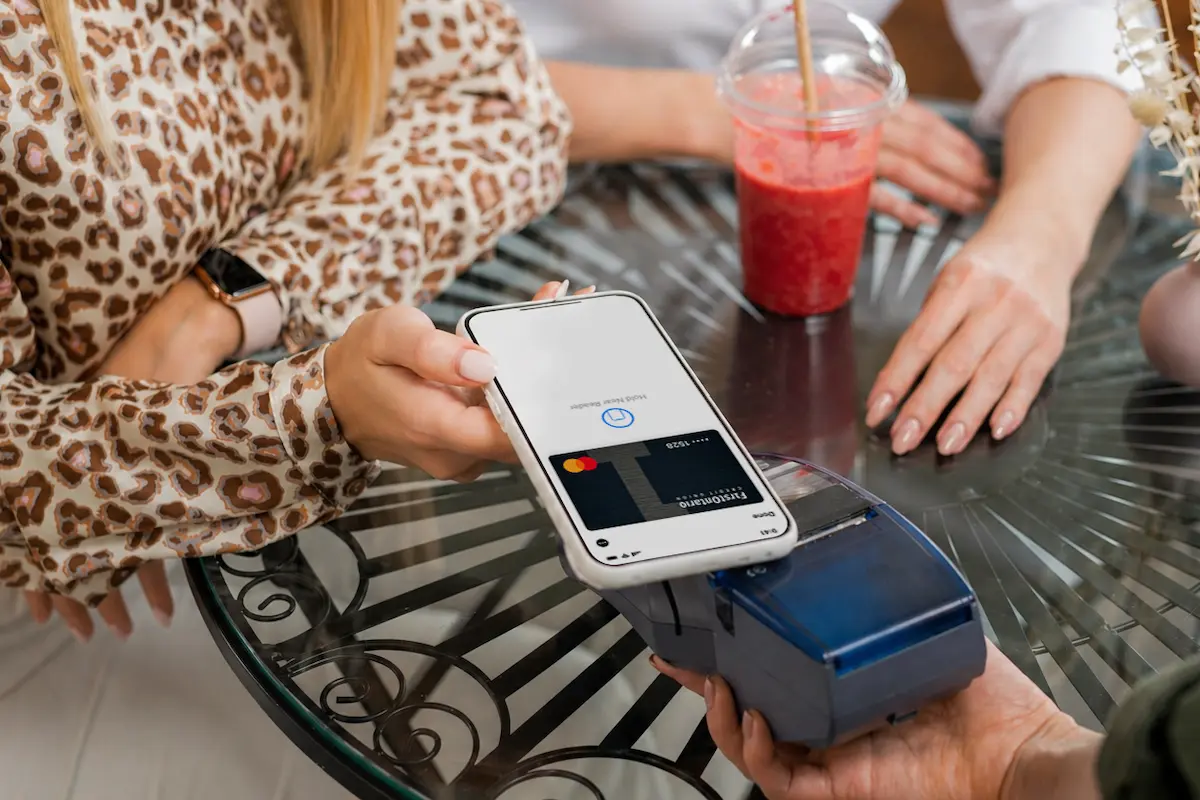

Effortless payments
Tap you phone and go – it’s that simple. No more fumbling for your wallet.
Unmatched security
Your card details are never shared with merchants, thanks to advanced tokenization technology.
Universal acceptance
Pay with your phone virtually anywhere contactless payments are accepted.
Card flexibility
Add both your FirstOntario debit and credit cards for seamless spending control.
Set up in minutes
Adding your FirstOntario cards to your mobile wallet is quick and easy. Simply follow the steps below to get started.
- Open your mobile wallet app. Launch Apple Wallet, Google Wallet™ or Samsung Wallet on your compatible device*.
- Add your FirstOntario card. Tap the “+” icon or similar button to add a new card.
- Enter card details. Use your phone's camera to scan your FirstOntario Debit Mastercard® or enter the information manually. If you are using an Interac Flash® debit card, you must enter the details manually. The card number must begin with 581828 followed by the remaining 13 digits embossed on your card.
- Verify your card. Follow the prompts to complete the verification process. This may involve receiving a one-time code via text or email, or by calling our Member Service Centre during operating hours.
- Start tapping. Once verified, your card is ready to use! Simply hold your phone near the contactless terminal to pay.